Introduction
Writage is a plugin for Microsoft Word that lets you work with Markdown files directly in Word, without a separate editor. You can open .md files in Word, edit them with the usual formatting tools, and save them back to Markdown. Or start from a Word document and convert it to Markdown in one click.
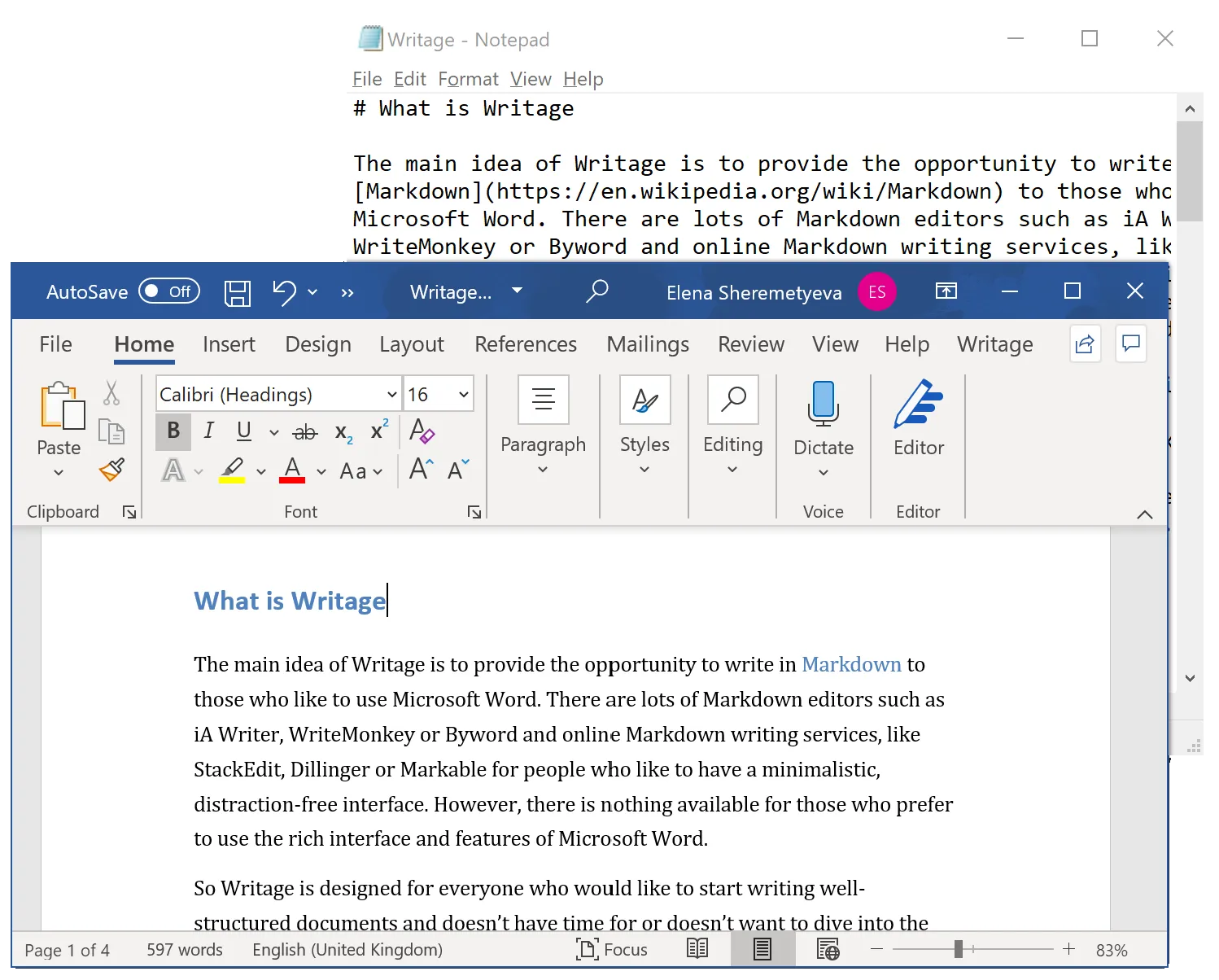
Writage is for writers, researchers, and developers who are comfortable in Word but need to produce Markdown output — for documentation sites, GitHub, academic publishing, or any plain-text workflow.
What Writage can do
Writage handles the full Markdown workflow inside Word:
- Edit
.mdfiles in Word as if they were regular documents - Convert DOCX files to Markdown and back
- Paste Markdown from ChatGPT, Claude, GitHub, or any source into Word as formatted text
- Copy selected Word content as Markdown
- Combine a folder of Markdown files into a single DOCX
- Write and edit mathematical equations directly in Word, with automatic conversion to and from the Markdown source
- Add academic citations and auto-generate a formatted bibliography, with support for APA, IEEE, MLA, and more
Writage is available for Windows and macOS, and includes a desktop app for previewing and converting files without opening Word.